KOSMOY CHAT
One human surface for every governed agent.
From a one-shot chatbot question to a long-running agent that runs every night at 23:00 UTC. Same threads. Same approvals. Same audit trail.
Most “chat UIs” were built for chatbots. They handle a question and a turn. They were not built for agents that run for hours, ask for clarifications halfway through, or wait for a human approval before acting on a third-party system. Once you have agents in production, that gap matters.
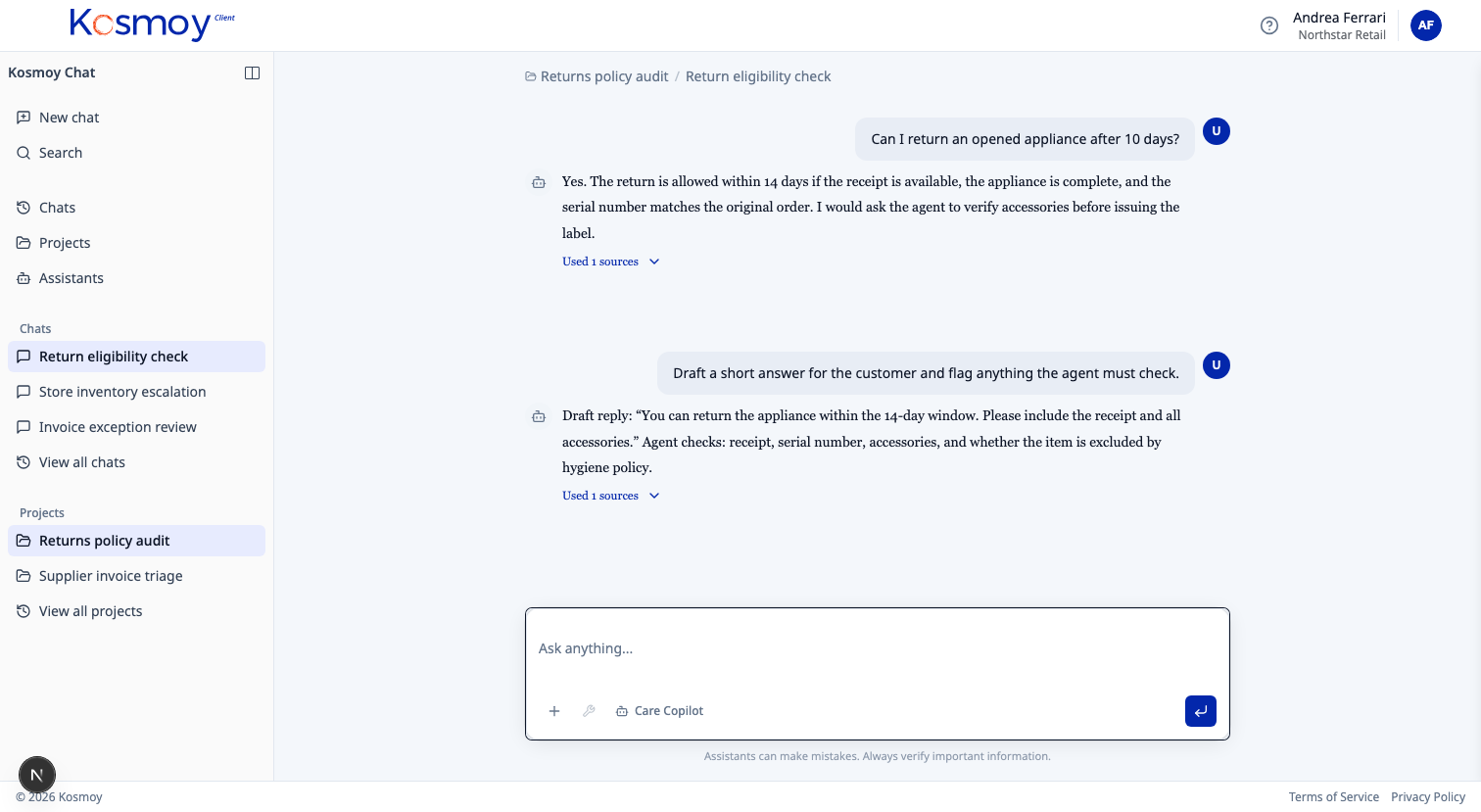
Kosmoy Chat is the supervision surface for everything Kosmoy governs. Conversational chatbots, scheduled agents on a cron, OpenClaw browser agents, multi-step orchestrators, ingestion jobs — they all surface here. Users submit tasks, see structured results, answer clarifications, approve actions that change state, and stop or rerun work that needs attention. Every interaction lands in the audit trail.
Chat talks to runtimes through Kosmoy services. It is not a direct socket into an agent process. The platform stays in the loop, and the same Chat thread keeps working when an agent moves from Phase 2 (governed by a Gateway) to Phase 3 (contained in an Action Capsule).
Agent types
- Conversational chatbot
- Long-running scheduled agent
- OpenClaw / browser agent
- Multi-step orchestrator
- Data ingestion agent
Kosmoy Chat
Thread list
- Tasks
- Result cards
- Clarifications
- Approvals
- Stop / rerun
- Audit trail
Five agent types, one Chat list.
| Type | Example | What Chat shows |
|---|---|---|
| 1. Conversational chatbot | Sales-support assistant, HR FAQ bot, productivity assistant | Threaded conversation, source citations, feedback chips |
| 2. Long-running scheduled agent | Nightly market scan, weekly competitor brief, monthly compliance audit | Run history, next scheduled run, output summaries, "rerun now" |
| 3. OpenClaw / browser agent | Filing a vendor onboarding form, scraping a competitor catalog, completing a procurement portal entry | Step-by-step trace, screenshots, approval gates before each external write |
| 4. Multi-step orchestrator | Onboarding agent that creates accounts, sends emails, books a meeting, files a ticket | Plan view, current step indicator, mid-flow clarification prompts, partial-result review |
| 5. Data ingestion agent | RAG ingestion job, vector database refresh, document classifier batch run | Source counts, chunks processed, embedding cost, error tail |
Six interaction primitives.
Threads, not turns
Multi-message context for long-running work. Pin, resume, hand off.
Result cards
Structured outputs you can act on. Briefs, comparisons, recommendations, with citations.
Clarification cards
Bounded human input mid-run. The agent asks. The user answers. The run continues.
Approval cards
Human gate before any state-changing action. Pre-filled, single-tap, fully logged.
Stop and rerun
Operator controls on a live run. Cancel a schedule. Rerun with a tweak. Kill switch on the Capsule.
Native everywhere
Office 365, Google Workspace, Teams, Slack, WhatsApp, Telegram, email. Same audit trail across surfaces.
What Chat is not.
- Not the agent. It's the surface. The agent runs in a Capsule (Phase 3) or behind a Gateway (Phase 2). Chat is how a human supervises it.
- Not a Copilot replacement. If users want Microsoft 365 Copilot for content generation inside Word and Excel, they should keep using it. Chat lives next to that — for tasks the platform team needs to govern.
- Not a coding-agent UI. Claude Code, Cursor and Windsurf have their own UIs. The Developer AI Gateway puts those tools under Kosmoy governance, but the developer keeps using their tool. Chat is for business users.
Module questions, answered straight.
Is Kosmoy Chat for end users or operators?
Both. End users submit tasks, review results, answer clarifications, approve bounded actions. Operators see the same threads plus stop/rerun controls and a fleet view (in Mission Control). The role determines what the user can do, not which surface they use.
Does it work for OpenClaw / browser-using agents?
Yes. OpenClaw and similar browser agents surface in Chat with step traces and screenshot evidence. Approval cards gate any state-changing action before the agent submits a form, files a ticket, or sends a message.
Does it replace Microsoft Copilot or ChatGPT Enterprise?
No. If users want Copilot for inline content generation inside Word and Excel, they should keep using it. Chat is for tasks that need governance — agents the platform team is responsible for, with audit, approvals, and kill switches.
What about coding agents like Claude Code, Cursor and Windsurf?
Coding agents have their own UIs and developers keep using them. The Developer AI Gateway puts those tools under Kosmoy governance — token attribution, guardrails, model choice, central budgets. Kosmoy Chat is not the coding-agent UI.
Enterprise proof
Built for environments where AI cannot become another unmanaged SaaS silo.
Kosmoy works with regulated and operationally critical organizations, including Banca d’Italia and Leonardo.


- Runs in your Kubernetes
- Azure · AWS · GCP · on-prem
- LLM · MCP · A2A
- No mandatory vendor-hosted control plane
See Kosmoy Chat in production.
Walk through threads, result cards, approvals, and the kill switch — across web, Teams and Slack.
Or email sales@kosmoy.com.